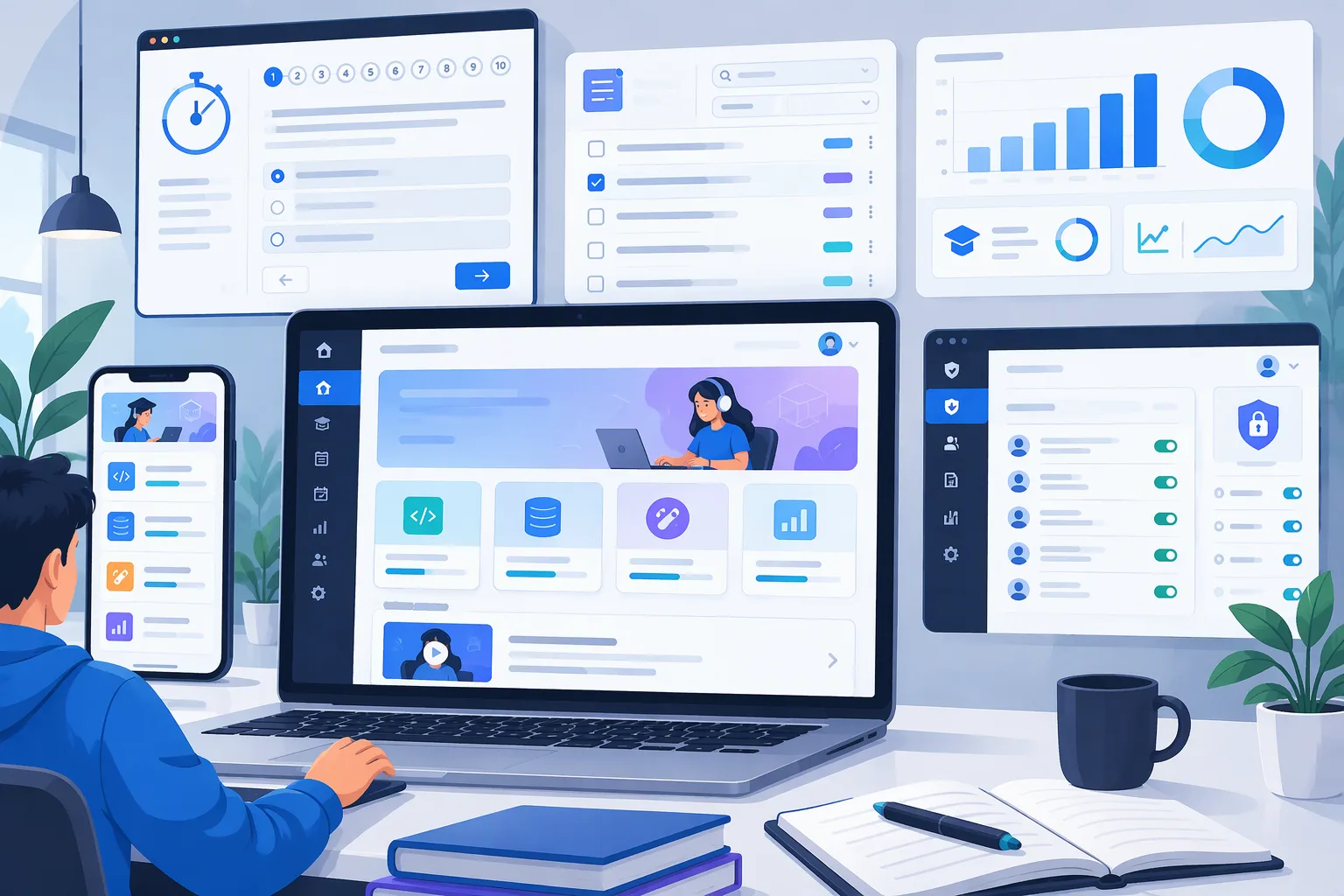
Building a Complete Flutter Mobile App with a Laravel REST API
Develop complete Flutter mobile experiences: screens, navigation, state, secure Laravel authentication, offline recovery, accessibility, testing, and store releases.

Md Shafin Ahmed
Full-Stack Developer
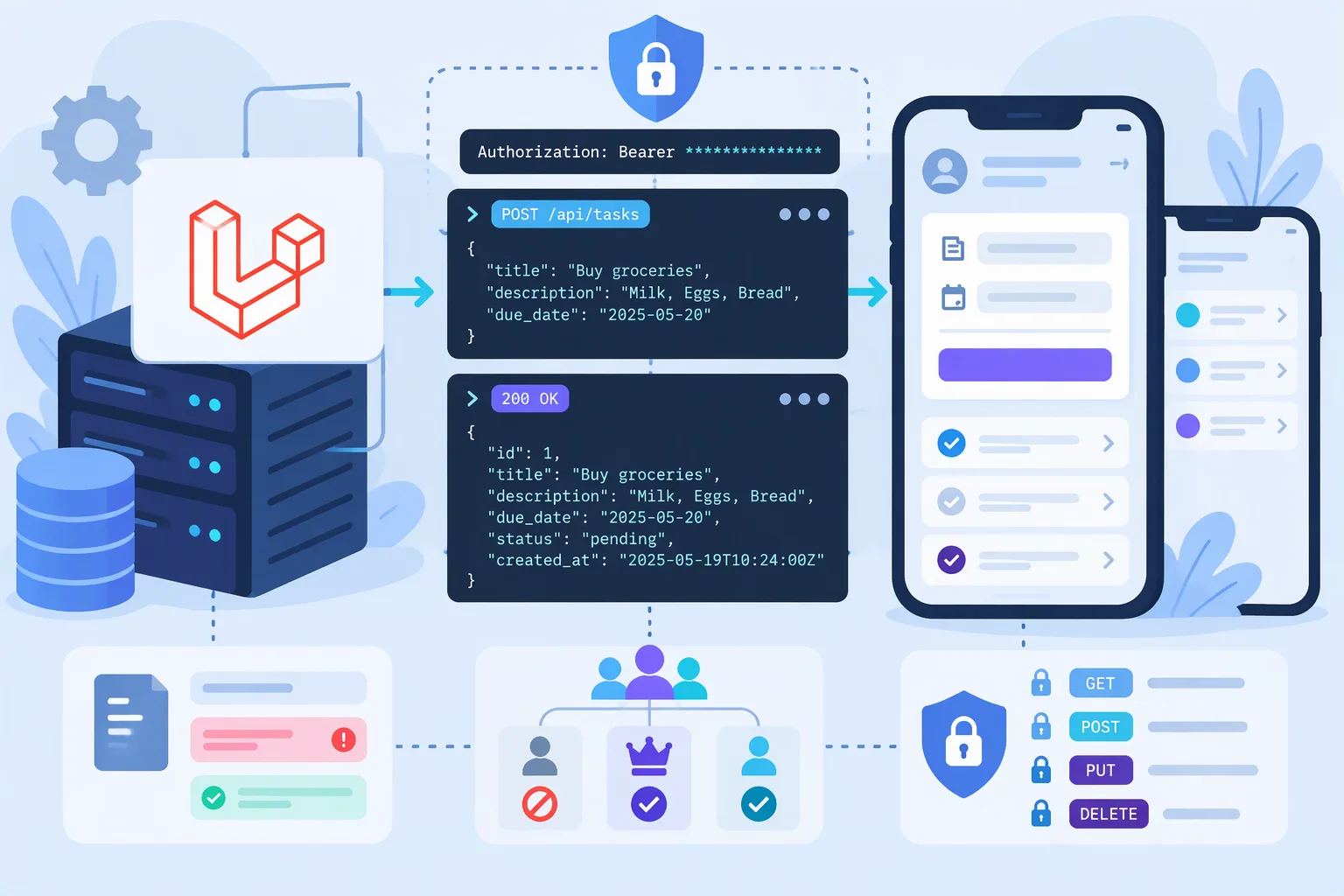
Flutter development means building a complete mobile product: screens, navigation, state, device behaviour, accessible interactions, testing, and release delivery. Connecting an API is only one part. This tutorial outlines an illustrative learning app backed by Laravel 9 and PHP 8.1, with a mobile experience that remains understandable when authentication expires or the network disappears.
1. Plan screens and journeys before endpoints
Map the first launch, sign-in, course list, course detail, lesson player, profile, and sign-out journeys. Specify loading, empty, error, offline, and permission-denied states for each screen. Decide what users can browse before signing in and what requires enrolment. This prevents authentication decisions from being scattered across unrelated widgets after the visual design is already fixed.
Define navigation behaviour for back gestures, deep links, interrupted sign-in, and returning from background. A deep link to a protected lesson should resume the intended destination only after access is checked. Sketch the design using realistic content and long titles. Include Android and iOS conventions, safe areas, text scaling, and keyboard appearance in the mobile specification.

2. Establish a maintainable Flutter structure
Separate presentation widgets, application state, repositories, and transport code. Keep JSON parsing and HTTP details out of build methods. A repository should return typed models or a documented failure rather than making every screen interpret raw response maps. Choose a state-management approach the team can support; consistency matters more than adopting several competing libraries.
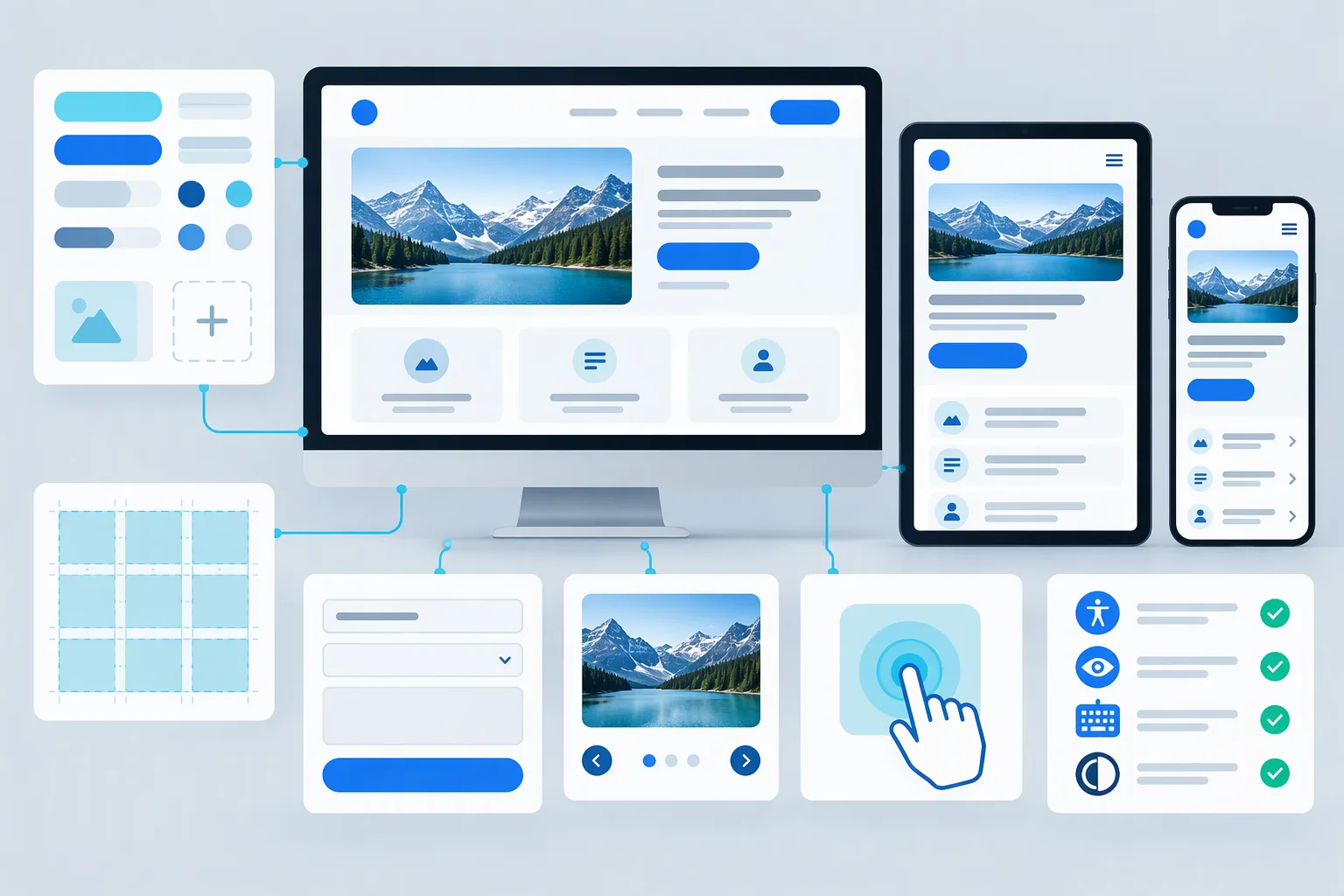
Create reusable spacing, typography, buttons, input fields, and status components, then validate them with large accessibility text settings. Keep business rules out of decorative widgets. Decide how a signed-out state invalidates protected navigation and cached data. Write down the dependency boundaries so a future developer can replace a transport implementation without redesigning the entire interface.
3. Authenticate deliberately on the Laravel side
For a first-party mobile client, Laravel Sanctum personal access tokens can be appropriate. The following illustrative route assumes Sanctum is already configured and uses a named login limiter that you must define with sensible account and network controls. Serve it only over HTTPS. Use generic credential errors, and do not log submitted passwords or returned tokens.
With the Sanctum version used alongside Laravel 9, configure the global expiration duration deliberately; tokens otherwise need not expire automatically. Sanctum does not provide a built-in refresh-token flow. Design reauthentication or a separately reviewed renewal system instead of inventing a refresh endpoint. Token abilities narrow access but never replace policies on individual courses, lessons, or student records.
use App\Models\User;
use Illuminate\Http\Request;
use Illuminate\Support\Facades\Hash;
use Illuminate\Support\Facades\Route;
use Illuminate\Validation\ValidationException;

// Illustrative routes/api.php route; define the named mobile-login limiter first.
Route::post('/mobile/login', function (Request $request) {
    $data = $request->validate([
        'email' => ['required', 'email'],
        'password' => ['required', 'string', 'max:1024'],
        'device_name' => ['required', 'string', 'max:100'],
    ]);
    $user = User::where('email', $data['email'])->first();
    if (! $user || ! Hash::check($data['password'], $user->password)) {
        throw ValidationException::withMessages([
            'email' => ['The supplied credentials are incorrect.'],
        ]);
    }
    // Apply verified-account and suspension requirements here before issuance.
    $token = $user->createToken($data['device_name'], ['courses:read']);
    return response()->json(['token' => $token->plainTextToken])
        ->header('Cache-Control', 'private, no-store');
})->middleware('throttle:mobile-login');
4. Build a predictable mobile data boundary
Store tokens using a reviewed secure-storage implementation backed by the mobile platform's protected facilities, not ordinary preferences or source constants. Read the token through an injected session service and erase it on sign-out. Revoke the current server token as well. A lost connection during logout needs an explicit local cleanup and subsequent server-revocation policy.
The Dart client below assumes the HTTP package already exists in the application, a trusted HTTPS base URI, and a course endpoint returning a data array. It demonstrates timeout and status handling, not a complete repository. Production parsing should validate the documented schema and translate failures into typed application states. Keep transport messages free of private response bodies.
import 'dart:convert';
import 'package:http/http.dart' as http;

class CourseApi {
  CourseApi(this.client, this.baseUri) {
    if (baseUri.scheme != 'https' || baseUri.host.isEmpty) {
      throw ArgumentError('A trusted HTTPS API origin is required.');
    }
  }

  final http.Client client;
  final Uri baseUri;

  Future<List<String>> titles(String token) async {
    final response = await client.get(
      baseUri.resolve('/api/courses'),
      headers: {'Accept': 'application/json', 'Authorization': 'Bearer $token'},
    ).timeout(const Duration(seconds: 15));
    if (response.statusCode == 401) throw StateError('sign_in_required');
    if (response.statusCode == 403) throw StateError('access_denied');
    if (response.statusCode != 200) throw StateError('request_failed');
    final payload = jsonDecode(response.body) as Map<String, dynamic>;
    final rows = payload['data'] as List<dynamic>;
    return rows.map((row) => (row as Map<String, dynamic>)['title'] as String).toList();
  }
}
// Inject this client into a repository; its owner must close it on disposal.
5. Implement useful loading and recovery states
A screen should explain whether it is loading, has no content, or cannot retrieve content. Keep the initial future stable rather than starting a request on every build. Provide an explicit retry action for recoverable failures. Route authentication failures through the session coordinator so the user can sign in again instead of repeatedly pressing retry.
This compact widget accepts a repository callback and demonstrates stable loading, empty content, and retry behaviour. In a complete app, replace the generic error with typed failure presentation and add course identifiers for detail navigation. Preserve scroll position during ordinary refreshes. Do not show an indefinite spinner for every failure or expose raw exception text as the user-facing explanation.
import 'package:flutter/material.dart';

class CourseList extends StatefulWidget {
  const CourseList({super.key, required this.load});
  final Future<List<String>> Function() load;

  @override
  State<CourseList> createState() => _CourseListState();
}

class _CourseListState extends State<CourseList> {
  late Future<List<String>> _courses;

  @override
  void initState() {
    super.initState();
    _courses = widget.load();
  }

  @override
  void didUpdateWidget(covariant CourseList oldWidget) {
    super.didUpdateWidget(oldWidget);
    if (oldWidget.load != widget.load) _courses = widget.load();
  }

  @override
  Widget build(BuildContext context) {
    return FutureBuilder<List<String>>(
      future: _courses,
      builder: (context, snapshot) {
        if (snapshot.connectionState != ConnectionState.done) {
          return const Center(child: CircularProgressIndicator());
        }
        if (snapshot.hasError) {
          return Center(child: Column(
            mainAxisSize: MainAxisSize.min,
            children: [
              const Text('Courses could not be loaded.'),
              TextButton(
                onPressed: () => setState(() { _courses = widget.load(); }),
                child: const Text('Try again'),
              ),
            ],
          ));
        }
        final courses = snapshot.data ?? const <String>[];
        if (courses.isEmpty) return const Center(child: Text('No courses yet.'));
        return ListView.builder(
          itemCount: courses.length,
          itemBuilder: (context, index) => ListTile(title: Text(courses[index])),
        );
      },
    );
  }
}
6. Plan offline behaviour and device lifecycle
Decide which information may be cached, how long it remains useful, and which account owns it. Clear or partition protected caches when the account changes. An offline course list can be useful, but it must not imply that expired enrolment still grants playback rights. Show freshness and connectivity context where those details affect a user's next action.
Retry read requests cautiously and never blindly replay consequential writes. Use server-supported idempotency for enrolments, payments, or submissions that may be retried. Handle backgrounding, app termination, and interrupted uploads explicitly. Ask for device permissions only when the related feature needs them, explain the purpose, and provide a usable denied-permission path rather than blocking unrelated screens.
7. Test the product beyond JSON responses
Write unit tests for models and repositories, widget tests for loading and validation states, and integration tests for sign-in, navigation, and logout. Test a revoked token, another student's record, malformed responses, and timeouts. Laravel endpoints should authorise every bound object even when a mobile screen normally hides that object from the current user.
Use physical Android and iOS devices where available. Inspect keyboard overlap, back navigation, screen-reader labels, text scaling, and low-memory recovery. Test deep links while signed out and after a session change. Keep analytics and crash reporting free of tokens, passwords, private course content, and unnecessary personal data. Debugging convenience is not a reason to collect entire API responses.
8. Prepare a maintainable mobile release
Maintain separate trusted environment settings, signing ownership, version numbers, and store metadata. Review privacy disclosures and permission descriptions against the actual implementation. Distribute a test release before public submission and document how API compatibility will be maintained for older installed clients. Mobile releases cannot assume every user updates immediately when the backend changes.
- Verify complete screen and navigation journeys.
- Protect and revoke session credentials.
- Test offline, expired, and denied states.
- Check accessibility on real devices.
- Record signing, store, and compatibility ownership.
Written by
Md Shafin Ahmed
Laravel, Wix & Flutter developer at HEXBRID, building custom web applications, e-commerce stores, and mobile apps for growing businesses.
More About Me