Secure Video Streaming for Laravel Course Platforms
Combine enrolment policies, private media storage, temporary playback access, accessible players, and honest download deterrents for paid course video.

Md Shafin Ahmed
Full-Stack Developer
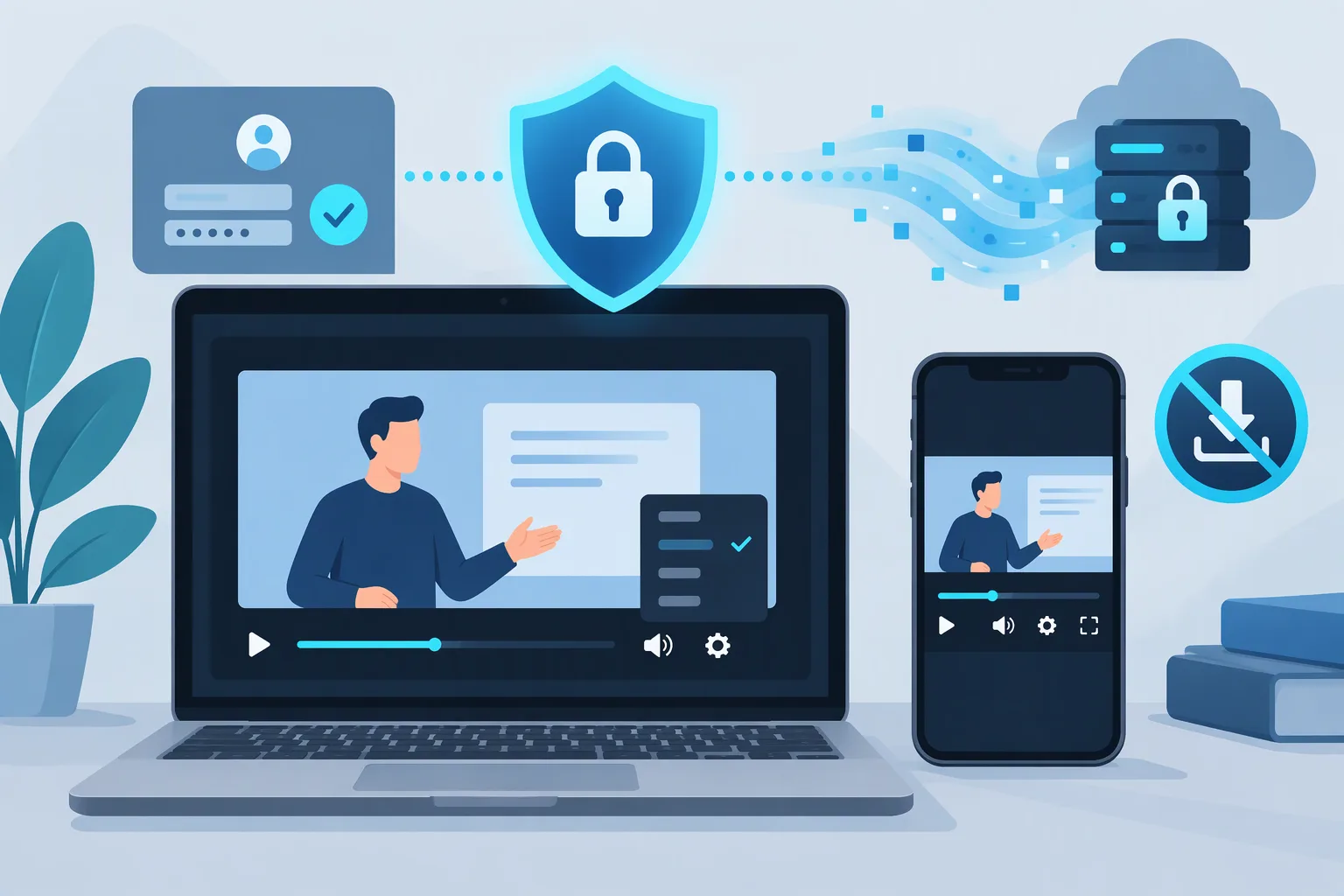
Protecting course video means controlling who receives playback access while keeping legitimate learning reliable. It does not mean making copying impossible. Anyone who can watch a video can potentially record the screen. This illustrative Laravel 9 approach combines private storage, enrolment policies, short access windows, accessible playback, and operational checks without promising an impossible anti-download guarantee.
1. Define the protection boundary
List the situations you need to prevent: anonymous access, expired enrolment, a learner opening another course, leaked storage links, and excessive account sharing. Separate those from problems that require a different response, such as an authorised user filming a display. A clear threat model keeps effort focused on controls the application can enforce.
Agree on practical playback rules with the course owner. Decide whether access ends immediately after a refund, whether concurrent devices are allowed, and how long a signed URL remains usable. Explain that already issued storage URLs usually remain valid until expiry. If immediate revocation is required, use a delivery layer that checks access throughout playback rather than relying only on issuance.

2. Keep original files outside public storage
Store originals and playback assets on a private disk or private object-storage bucket. Do not place paid lessons beneath a publicly linked uploads directory. Give the application only the storage permissions it needs, and separate upload privileges from playback access where possible. Keep object keys in trusted lesson records, not request parameters.
For larger libraries, transcode uploaded videos into suitable playback renditions using a controlled processing service or queue. Track processing states so students do not encounter incomplete media. Validate upload size, type, and duration according to your service constraints. Retain the original only as long as your recovery and content-management policies require, and include storage usage in operational monitoring.
3. Authorise each playback request
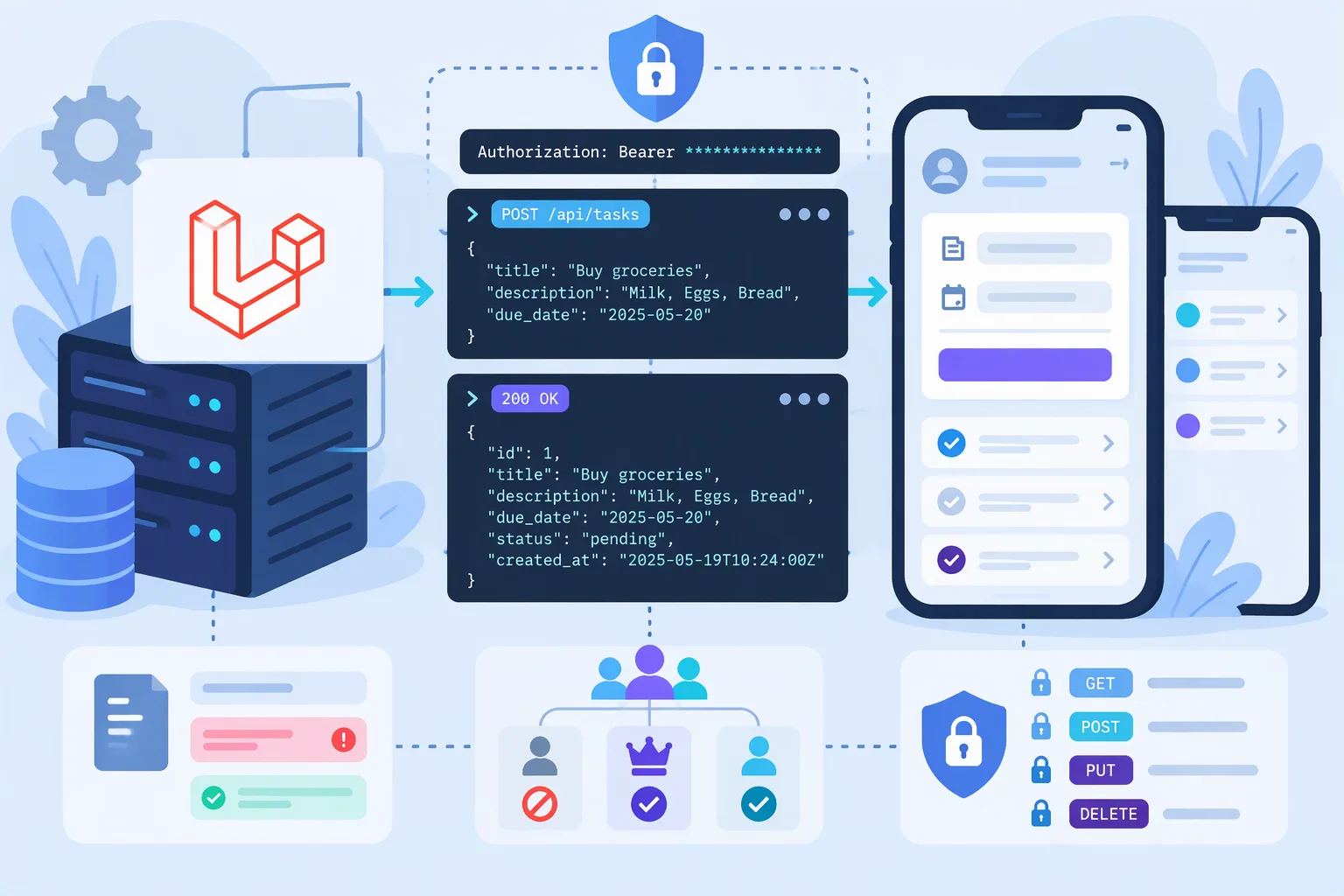
Authentication identifies the viewer; an object policy decides whether that viewer can watch this lesson. Check the actual lesson and its course, not a course identifier supplied separately by the browser. Paid status, active enrolment, lesson publication, and administrative preview rules belong in a documented policy. A hidden button is not an access control.
This policy assumes an enrolment relationship containing an active flag and nullable expiry timestamp. Adapt it to your schema, register it, and test refund behaviour. Do not copy those field names blindly. Notice that ownership comes from the authenticated user and that the course identifier comes from the resolved lesson. Both choices close common object-access mistakes.
use App\Models\Lesson;
use App\Models\User;

public function viewVideo(User $user, Lesson $lesson): bool
{
    if (! $lesson->is_published) {
        return false;
    }

    return $user->enrolments()
        ->where('course_id', $lesson->course_id)
        ->where('is_active', true)
        ->where(function ($query) {
            $query->whereNull('expires_at')
                ->orWhere('expires_at', '>', now());
        })
        ->exists();
}
4. Issue a short-lived delivery resource
After authorisation, return a temporary storage URL with a deliberately chosen lifetime. The following controller fragment uses Laravel's S3 disk temporary URL support. It requires a configured private S3-compatible disk and the appropriate filesystem adapter; it is not a universal method for every local disk. Keep credentials in protected environment configuration and never expose them in the response.
For segmented HLS video, protecting only the playlist is insufficient when segments are public. Configure the CDN or storage delivery rules to protect playlists, segments, and encryption keys together. Signed cookies or provider-specific tokens may fit that architecture better. Test an anonymous request for a copied segment URL instead of assuming that a locked player protects the underlying files.
use Illuminate\Support\Facades\Storage;

// Authenticated route with route-model binding and a registered LessonPolicy.
$this->authorize('viewVideo', $lesson);
abort_unless($lesson->video_status === 'ready', 409);

$url = Storage::disk('s3')->temporaryUrl(
    $lesson->video_path,
    now()->addMinutes(5)
);

return response()->json(['url' => $url])
    ->header('Cache-Control', 'private, no-store');
5. Make the player accessible and resilient
Provide visible playback controls, keyboard access, captions, a transcript, and a clear lesson title. An HTML5 player can handle basic playback, but adaptive streaming and quality selection depend on browser support and the selected player implementation. Test your actual media format on target devices rather than promising that every browser natively supports the same streaming protocol.
Handle expired URLs by requesting renewed access through the authorised endpoint and restoring the playback position when possible. Distinguish permission errors from temporary network failures. Avoid endless retries when enrolment has ended. Save progress at reasonable intervals, but treat client-reported watch time as a convenience signal rather than proof that a student watched every second attentively.
6. Use proportionate sharing deterrents
A visible watermark containing a limited account reference can discourage redistribution, but it must not expose unnecessary personal information. Avoid displaying full phone numbers or email addresses on recordings. Explain the purpose to learners and provide an accessibility-friendly placement. Server-side forensic watermarking is a specialist delivery feature, not something achieved by disabling right-click.
Concurrent-session limits should account for ordinary behaviour such as changing devices or recovering from a disconnected browser. Provide a way to review and end old sessions. Rate-limit access issuance without treating every retry as abuse. Investigate patterns before suspending an account, and keep a support route for false positives. Technical controls work better alongside clear licensing terms and fair enforcement.
7. Monitor failures without logging credentials
Collect playback-start failures, authorisation denials, processing errors, and aggregated delivery latency. Record a request identifier and a lesson identifier where appropriate, but redact signed URLs, bearer tokens, and sensitive student details. A temporary URL in a log is still an access credential during its lifetime. Apply retention limits to operational data.
When someone reports buffering, check rendition bitrate, network conditions, device compatibility, CDN behaviour, and storage response times separately. A slow player is not automatically an authentication bug. Reproduce the issue with a test account and the same browser family. Keep entitlement decisions traceable so support can explain why playback was rejected without exposing private billing records.
8. Rehearse revocation and recovery
Before launch, test anonymous access, expired enrolment, refunded access, a missing file, interrupted processing, and an expired signed URL. Verify that protected responses are not stored in shared caches. Check captions on a small display and ensure that progress can resume after an ordinary network interruption. Document how to replace a lesson without breaking existing course navigation.
- Keep source files and segments private.
- Check policies before issuing each resource.
- Set and test URL expiry deliberately.
- Redact playback credentials from logs.
- Describe deterrents honestly in customer-facing copy.
Written by
Md Shafin Ahmed
Laravel, Wix & Flutter developer at HEXBRID, building custom web applications, e-commerce stores, and mobile apps for growing businesses.
More About Me