Technical SEO Checklist for Laravel Business Websites
Audit Laravel crawlability, canonical URLs, sitemap eligibility, escaped metadata, structured information, image delivery, and measurable search improvements.

Md Shafin Ahmed
Full-Stack Developer
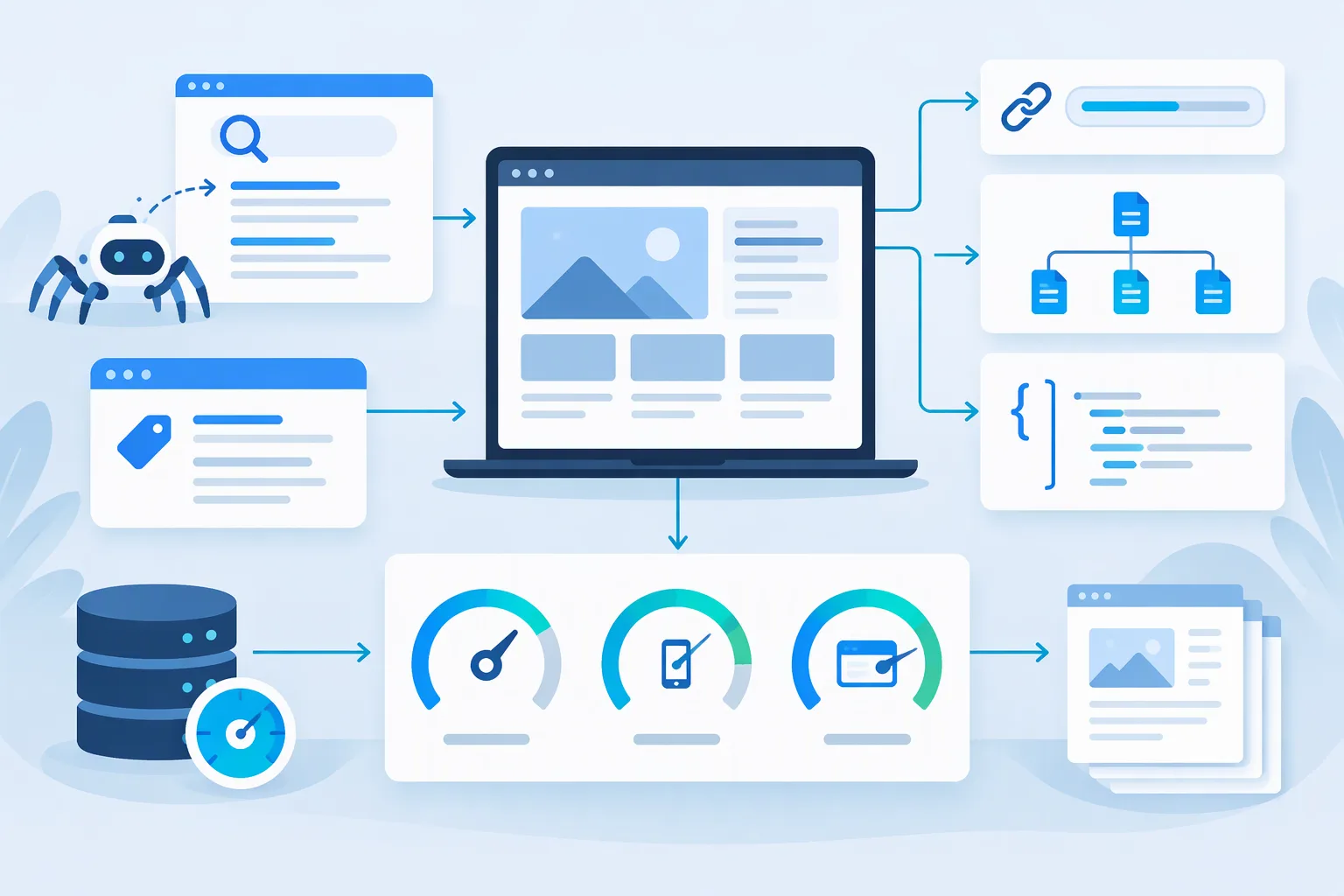
Technical SEO helps search engines and visitors reach the right public pages without ambiguity. It does not guarantee rankings, leads, or indexing. For a Laravel business website, the most useful starting point is a small inventory of canonical pages, publication rules, metadata, redirects, and delivery checks. The examples here are illustrative Laravel 9 and PHP 8.1 patterns.
1. Inventory public pages and crawl paths
List the homepage, service pages, case studies, articles, category pages, and contact page. Identify drafts, account screens, search results, and administrative routes that should not appear as public landing pages. Inspect the actual rendered links connecting these pages. A sitemap helps discovery, but it does not replace a sensible navigation structure or descriptive links within useful content.
Review HTTP status codes with the content owner. Missing pages should return an appropriate not-found response, not a successful response wrapped around an error message. Permanently moved content should redirect directly to its replacement when one exists. Avoid chains that make both visitors and crawlers pass through several outdated URLs before reaching the current page.

2. Establish one canonical address per page
Choose the preferred HTTPS origin and a consistent URL structure. Decide how trailing slashes, old slugs, and tracking parameters are handled. Canonical tags are signals, not substitutes for fixing contradictory redirects and internal links. Link to the preferred URL throughout navigation, related content, and the sitemap instead of presenting several competing versions of the same page.
The helper below uses trusted application configuration rather than an arbitrary incoming Host header. It assumes article routes follow the stated path and the application is hosted at the origin root. Adapt it to your route design and validate the configured origin during deployment. Never derive a public canonical address directly from untrusted request parameters or hardcoded development hosts.
function articleCanonical(string $slug): string
{
    $origin = rtrim((string) config('app.url'), '/');
    if (parse_url($origin, PHP_URL_SCHEME) !== 'https'
        || ! parse_url($origin, PHP_URL_HOST)) {
        throw new RuntimeException('Configure the trusted public HTTPS origin.');
    }

    return $origin . '/blog/' . rawurlencode($slug);
}

$canonical = articleCanonical($post->slug);
$canonicalTag = '<link rel="canonical" href="'
    . htmlspecialchars($canonical, ENT_QUOTES | ENT_SUBSTITUTE, 'UTF-8')
    . '">';
// Render this trusted, already-escaped tag in the document head exactly once.
3. Give every page accurate metadata
Write a distinct title that identifies the page and a concise description that reflects its content. Avoid making every page repeat the same marketing sentence. Open Graph metadata can improve link previews, but it does not force a search engine to show a particular snippet. Ensure the featured image is public, appropriate, and represented by a valid absolute URL in social metadata.
Escape metadata values at the HTML boundary, including titles supplied through an administration form. Inspect the rendered source for duplicate titles, canonical tags, or descriptions from overlapping layouts. Keep publication and indexing rules aligned: a private draft should not become discoverable because a metadata template assumes every database record is public. Test both a complete article and one with optional fields missing.
4. Generate a sitemap from publication rules
Include canonical, indexable pages that return successful responses. Exclude drafts, future publications, private resources, and filtered duplicates. Use a genuine modification time rather than replacing every timestamp with the current time on each request. The following fragment assumes a modest site, public article routes, and the canonical helper above. It uses XMLWriter so XML characters are escaped correctly.
For larger sites, generate cached sitemap files and split them before protocol limits are reached, using an index to reference all parts. The usual limit is fifty thousand URLs or fifty megabytes uncompressed per sitemap. Review memory use rather than treating chunked database reads as proof that the final XML string is small. Publish only completed sitemap output.
use App\Models\Post;

$xml = new XMLWriter();
$xml->openMemory();
$xml->startDocument('1.0', 'UTF-8');
$xml->startElement('urlset');
$xml->writeAttribute('xmlns', 'http://www.sitemaps.org/schemas/sitemap/0.9');

Post::where('status', 'published')
    ->whereNotNull('published_at')
    ->where('published_at', '<=', now())
    ->where(function ($query) {
        $query->whereNull('robots')->orWhere('robots', 'not like', '%noindex%');
    })
    ->chunkById(250, function ($posts) use ($xml) {
        foreach ($posts as $post) {
            $xml->startElement('url');
            $xml->writeElement('loc', articleCanonical($post->slug));
            if ($post->updated_at) {
                $xml->writeElement('lastmod', $post->updated_at->toAtomString());
            }
            $xml->endElement();
        }
    });

$xml->endElement();
$xml->endDocument();
return response($xml->outputMemory(), 200)
    ->header('Content-Type', 'application/xml; charset=UTF-8');
5. Distinguish indexing instructions from security
A robots file is a crawl instruction, not a protection mechanism. Do not use it to hide private documents that should require authentication. Likewise, a noindex directive does not replace a policy on an account page. Sensitive content must remain protected even when a bot ignores every crawl instruction or someone opens its URL directly.
Check that production has not inherited staging-wide noindex settings. Conversely, keep staging access-controlled so copied production content is not unnecessarily exposed. If a public page needs a noindex directive, remember that a crawler generally needs access to read that directive. Avoid contradictory rules that block crawling while expecting the crawler to observe page-level instructions it cannot retrieve.

6. Use semantic content and truthful structured data
Organise each page around a clear main heading, meaningful subheadings, descriptive links, and real text. Keep important information available without requiring a search crawler or assistive tool to interpret an image. Add descriptive image alternatives where the image conveys meaning. Avoid inserting keywords into every label at the expense of readability.
Structured data should describe visible, supported facts about the page or organisation. Do not invent ratings, prices, credentials, or customer outcomes to fill a schema template. Validate the generated data using appropriate testing tools and inspect whether it matches the page after editorial changes. Eligibility for enhanced search presentation depends on search-engine rules; valid markup alone does not guarantee that presentation.
7. Improve delivery using measured evidence
Measure server response, largest visible content loading, interaction responsiveness, and layout stability on representative pages. Use both controlled tests and real-user information when available. Distinguish a database delay from an oversized image or a blocking third-party resource. Optimising the wrong layer can consume time without improving what visitors actually experience.
Reserve image dimensions, serve suitable formats and sizes, and avoid lazy-loading an important above-the-fold image without evaluation. Review cache rules for public content separately from authenticated responses. Check fonts, unused assets, and slow queries using the existing project tooling. Record before-and-after conditions honestly, and do not turn a single synthetic score into a claim about business performance.
8. Maintain the checklist after publication
Recheck internal links, redirects, metadata, and sitemap coverage whenever a slug or publication state changes. Use search-console information to investigate indexing issues rather than assuming every missing page has a technical fault. Some pages may be valid but not selected for indexing. Keep the technical foundation accurate while improving the usefulness and distinctiveness of the content itself.
- Confirm public pages return the intended status.
- Check canonical origin and escaped metadata.
- Exclude private and unpublished sitemap records.
- Validate truthful structured information.
- Track delivery changes with repeatable measurements.
Written by
Md Shafin Ahmed
Laravel, Wix & Flutter developer at HEXBRID, building custom web applications, e-commerce stores, and mobile apps for growing businesses.
More About Me