Wix, Shopify, WordPress, or Laravel: Choosing a Business Platform
Compare Wix, Shopify, WordPress, and Laravel through real workflows, ownership responsibilities, integrations, migration options, and a practical cost model.

Md Shafin Ahmed
Full-Stack Developer
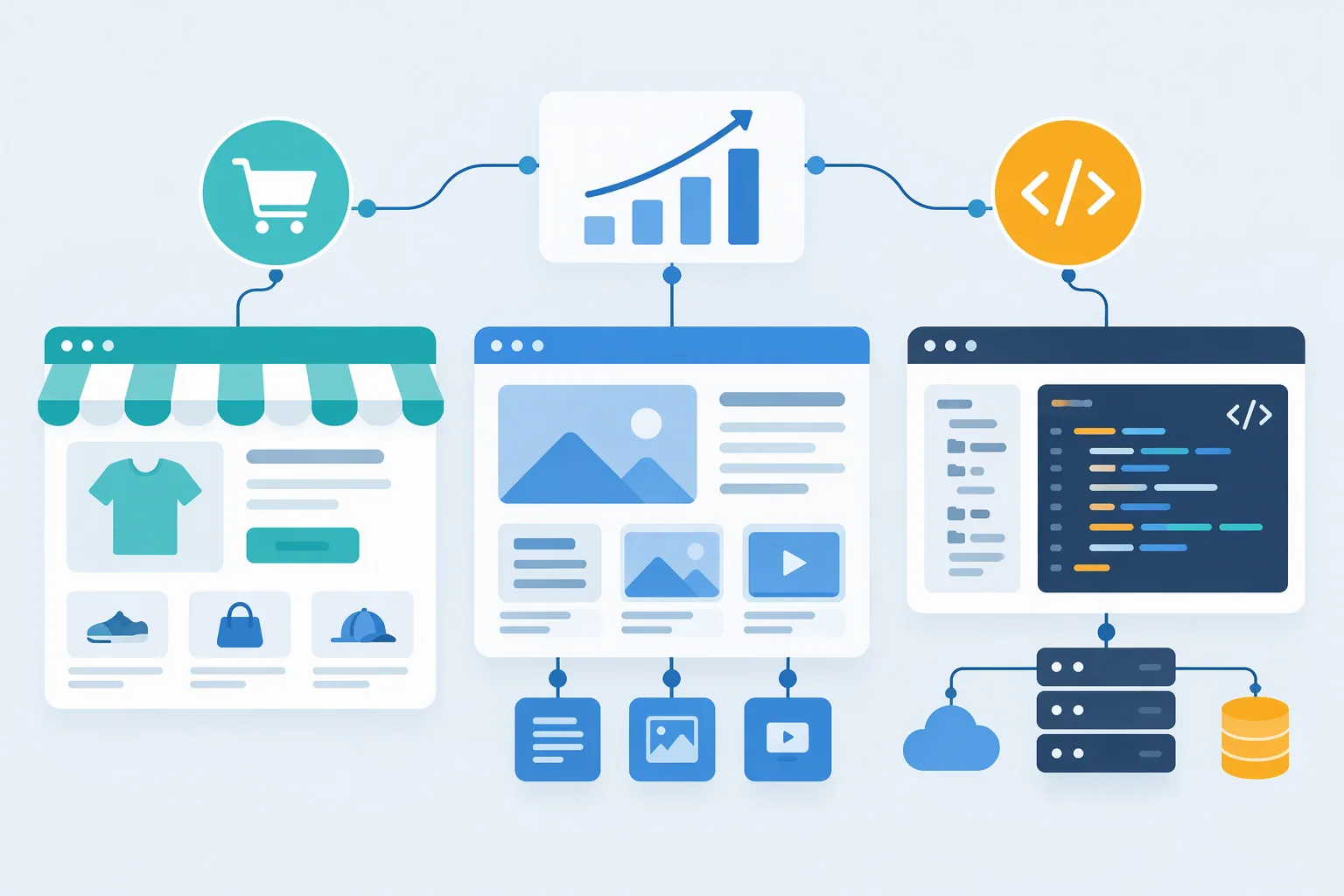
Choosing a platform is a business decision about workflows, ownership, and constraints, not a contest between logos. My work as a WIX and Laravel developer at HEXBRID from 2025 to the present informs that perspective. The comparison below is a decision framework, not a claim that one platform always costs less or produces better commercial results.
1. Describe the work the platform must support
Start with the next twelve months of actual work. List how products or services are published, how enquiries arrive, who updates content, how payments are reconciled, and which systems need data. Separate launch requirements from ideas that can wait. A requirement such as custom dashboard is too broad; describe the person, task, data, and approval involved.
Include the team that will maintain the site after handover. A business with an experienced content editor and no developer has different constraints from a company funding a product team. Write down geographic payment availability, shipping requirements, languages, accessibility expectations, and data-retention needs. Confirm provider capabilities directly instead of assuming that a popular platform supports every local integration.

2. Choose Wix for an editor-led website when it fits
Wix can suit service businesses, portfolios, appointment-led websites, and marketing pages where visual editing and managed infrastructure are priorities. Prototype the actual editing task with the future site owner. Check whether they can update a service page, replace an image, and review a mobile layout without needing development assistance for every ordinary change.
Evaluate CMS structure, forms, bookings, commerce features, and extension options against the selected plan and region. Custom functionality may be possible, but platform constraints still matter. Check export options and the portability of content, media, and business records before committing. Do not assume that moving away later will preserve a layout or application behaviour automatically. Ownership of content is different from portability of implementation.
3. Choose Shopify when commerce is the centre
Shopify is worth evaluating when the main journey is browsing products, adding items to a cart, checking out, and managing orders. Hosted infrastructure can reduce some operational responsibilities, but merchants still own catalogue accuracy, fulfilment decisions, customer communication, and account security. Test the checkout and payment methods available for the intended market rather than evaluating only a theme demo.
List every required app and integration, including its recurring fee, data access, and support owner. Check how discounts, returns, shipping rules, and inventory locations behave together. Some checkout customisations depend on plan and platform rules. Ask what happens when an app is removed or stops working, and rehearse product and order exports with realistic records before treating migration as a solved problem.
4. Choose WordPress for content with managed discipline
WordPress can suit publishing-heavy businesses that need flexible content models, editorial workflows, and a broad theme or plugin ecosystem. WooCommerce adds commerce responsibilities and capabilities, but it does not remove the need for dependable hosting and maintenance. Choose a small, supportable plugin set with clear ownership rather than collecting overlapping tools for every minor feature.
Plan updates, backups, restoration tests, spam handling, and editor permissions from the beginning. Evaluate plugins for compatibility, accessibility, support history, and data handling. A low initial licence cost can be outweighed by maintenance work or conflicting extensions. Demonstrate the editor experience using the site's real content structure so the team can judge everyday usability, not only the visual quality of a demo homepage.

5. Choose Laravel for genuinely custom workflows
Laravel is an application framework, not a hosted storefront that arrives with every business screen ready. It fits when bespoke permissions, complex workflows, operational dashboards, or specialised integrations justify custom engineering. Specify those differences precisely. If the business only needs a conventional brochure site, building an extensive custom administration system may create responsibility without providing equivalent value.
Budget for authentication, authorisation, content management, testing, deployment, observability, backups, and ongoing framework maintenance. Decide who will own the source repository and hosting accounts. Just Jeans BD's inventory and Pathao context illustrates the kinds of integration questions worth investigating, not proof that every retailer needs Laravel. Prototype the difficult workflow first; a custom solution should earn its complexity through a concrete business requirement.
6. Compare total ownership cost using consistent units
Collect written estimates for setup, recurring platform costs, hosting, extensions, maintenance, and integration support. Use the same time horizon and currency for every option. Include staff effort as a separate line so it does not disappear inside an optimistic software budget. Treat transaction charges and taxes as explicit assumptions because they vary by provider, market, and sales volume.
This PHP 8.1 helper sums a simple ownership model using integer minor units. The sample values are invented planning inputs, not vendor prices or a quotation. Replace them with verified figures and model variable charges separately. Run pessimistic and expected scenarios rather than letting one precise-looking total hide uncertainty about future orders, maintenance needs, or feature changes.
function ownershipCostMinor(int $months, array $oneTime, array $monthly): int
{
    if ($months < 1 || $months > 120) {
        throw new InvalidArgumentException('Choose a planning horizon of 1–120 months.');
    }
    $total = 0;
    foreach ([[$oneTime, 1], [$monthly, $months]] as [$items, $multiplier]) {
        foreach ($items as $amount) {
            if (! is_int($amount) || $amount < 0) {
                throw new InvalidArgumentException('Use nonnegative integer minor units.');
            }
            if ($amount > intdiv(PHP_INT_MAX - $total, $multiplier)) {
                throw new OverflowException('Estimate exceeds integer capacity.');
            }
            $total += $amount * $multiplier;
        }
    }
    return $total;
}

$estimate = ownershipCostMinor(
    24,
    ['setup' => 200000, 'migration' => 50000],
    ['platform' => 5000, 'maintenance' => 10000]
);
// Hypothetical inputs only: 610000 minor units, excluding variable charges.
7. Test integration and exit assumptions early
Choose one representative record and follow it through the proposed system: a product becomes an order, an order reaches fulfilment, a refund updates accounting, and the customer receives an appropriate message. Confirm which steps are native, which need extensions, and which require custom code. Document rate limits, failure handling, and support boundaries for each integration.
Then rehearse leaving. Export content, products, customer records, and media where the platform permits it. Check whether identifiers, variants, redirects, and consent records remain understandable. Some data may require special handling or may not be portable in the expected form. A migration plan should explain those limitations honestly rather than promising that switching platforms later will be effortless.
8. Make the decision with a small practical trial
Score each option against required workflows, editor independence, local payment support, ownership, maintainability, and migration constraints. Weight the criteria before looking at the final total. Build a narrow trial around the hardest requirement and let the future operator use it. Select the option whose trade-offs the business can sustain, not simply the one with the most impressive demo.
- Confirm required features on the intended plan.
- Review recurring and variable costs.
- Assign security, updates, and backup ownership.
- Test one complete customer workflow.
- Document export limits and handover access.
Written by
Md Shafin Ahmed
Laravel, Wix & Flutter developer at HEXBRID, building custom web applications, e-commerce stores, and mobile apps for growing businesses.
More About Me